
Tikiti Business · For organisers
Your event runs from a single screen.
How much you've sold, who has replied, what's left in the till, who has come in. No spreadsheet, no notebook, no endless WhatsApp group.
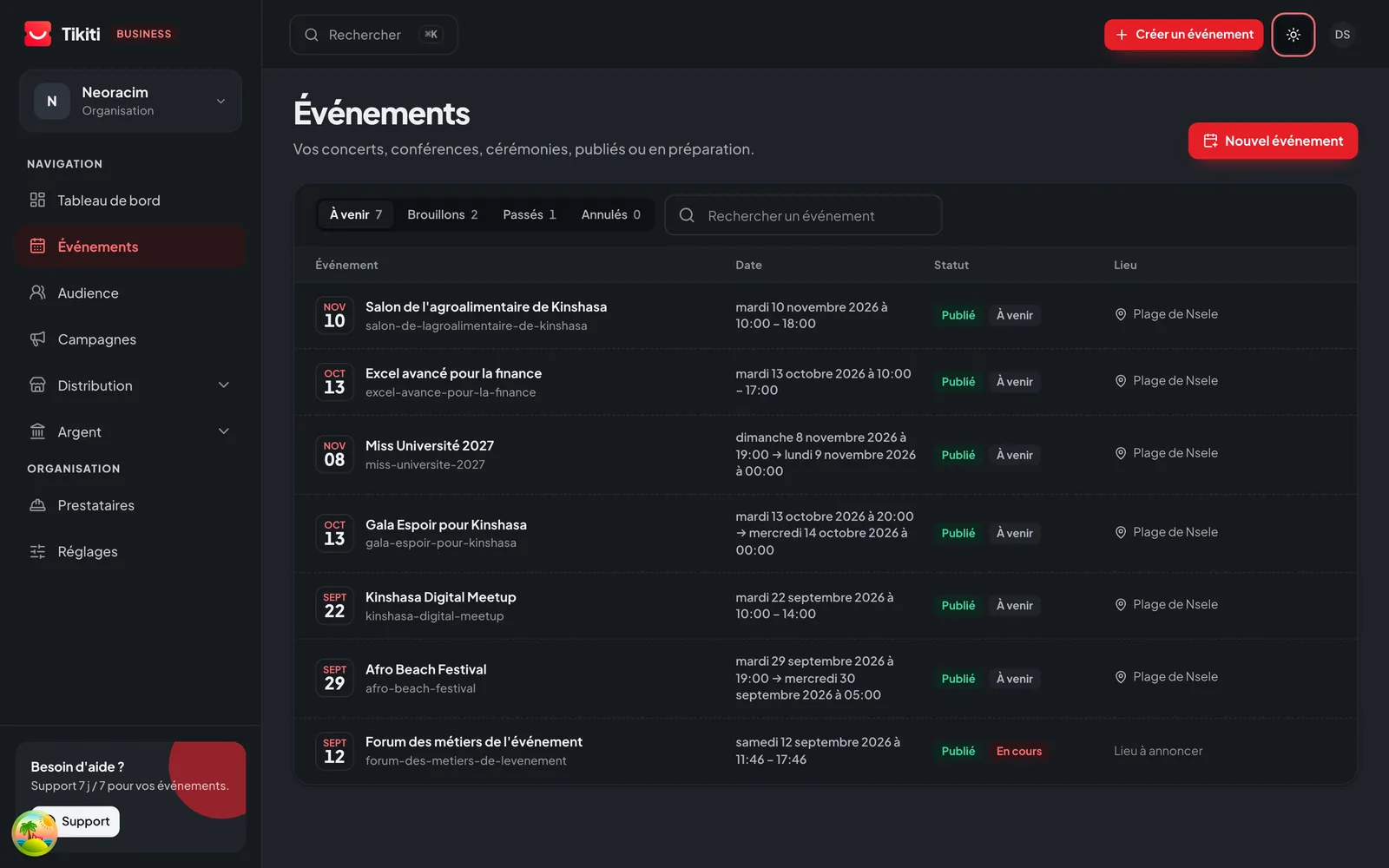
What you actually do there.
- 01
Set up the event in one sitting
Dates, venue, prices, website content. You publish when you are ready, not when a supplier is.
- 02
Follow sales live
You watch revenue climb hour by hour, and where it comes from. You decide to open a category or push a channel at the right moment.
- 03
Know who is coming
Guests, registrants, replies, companions. One list, up to date, that your whole team can read.
- 04
Keep an eye on your sellers
Who holds which books, who sold what, how much they are owed. The end-of-night count is already done.
- 05
See the money
Revenue collected, commissions, refunds, what comes back to you and when. Nothing to rebuild afterwards.
- 06
Prepare the day
Gates, teams, badges, seating. Everything you set here, Tikiti Ops applies in the field.
What it replaces
- The shared spreadsheet that is never up to date.
- The sellers' cash notebook.
- The WhatsApp group where confirmations get lost.
- The printed lists at the door.
Your team, each with their own view
- Organiser
- Everything
- Finance
- Sales, payouts
- Protocol
- Guests, seating
- Field
- Access via Tikiti Ops
To get started
Create your first event without a subscription. You only turn on paid modules the day you need them.
See pricing