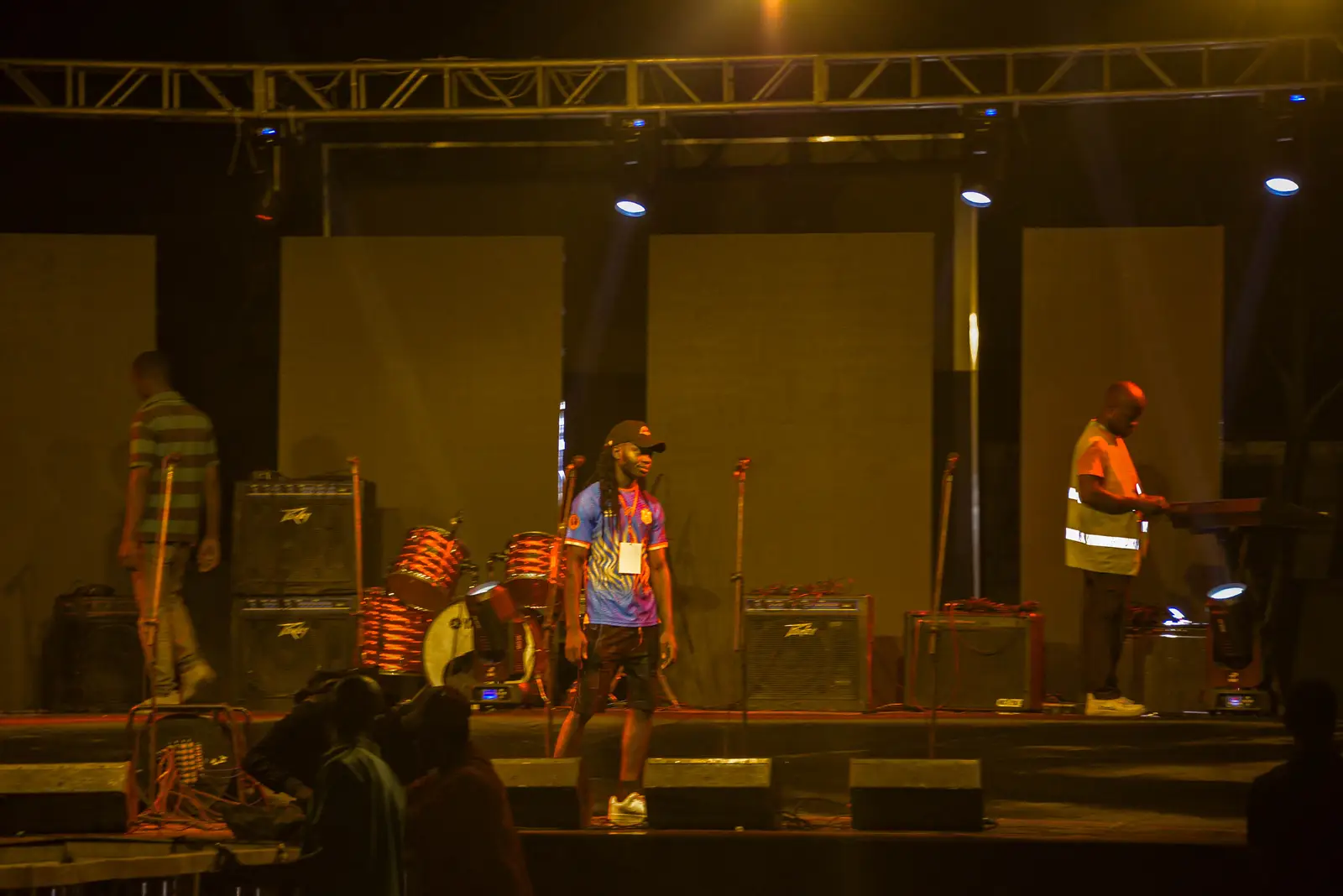
Concerts & festivals
Move the crowd. Keep the whole festival under control.
From the moment you announce the line-up to the last person through the gate, Tikiti brings your audience, your tickets, your sellers, your teams and your operations into one event.
- Online and in the field
- Mobile Money and card
- Multi-day
- Several gates
- Discovery optional
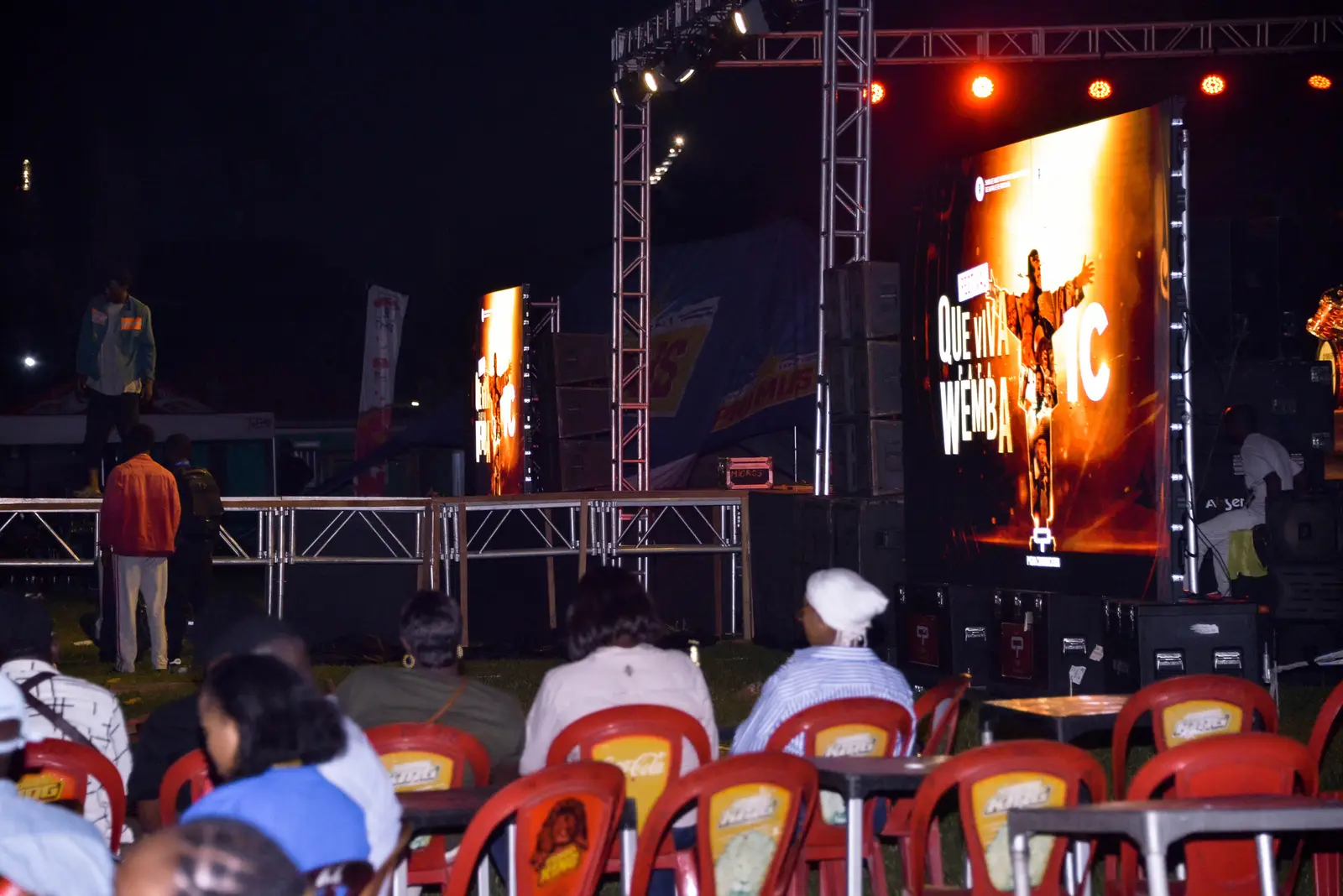
Demonstration
- Day 1 · 4,286 attendees
- Gate B: flowing
- 14 active sellers
- 82% turnout
The crowd sees the stage. You see everything that keeps the festival running.
Before the gates open
A festival exists from the first announcement.
The festival page carries its world and gathers the first actions of the audience: browse the line-up, pick a pass, ask a question.
- Festival presentation
- Line-up and artists
- Dates, times and venue
- Practical information
- Partners and sponsors
- Tickets and passes
- Forms
- Frequently asked questions
Your festival starts when someone discovers it, not when they reach the stage.
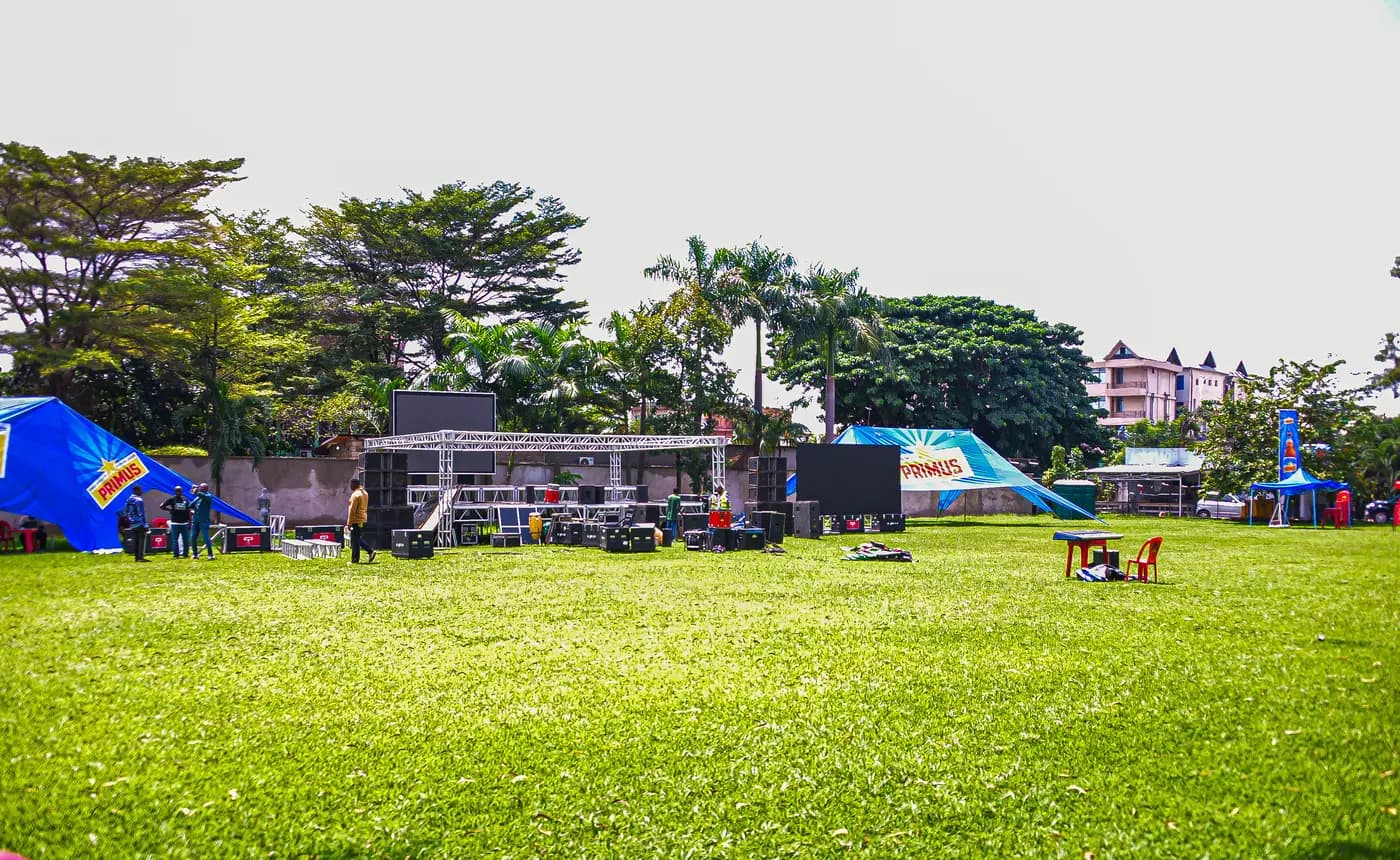
An offer built for a festival
One day, several days, several experiences.
Create several ways to take part without running a separate ticketing system per category: each pass carries its duration, its zone and its rights.
| Pass | Validity | Availability |
|---|---|---|
| Friday | Day 1 | Available |
| Saturday | Day 2 | Available |
| Festival Pass | 3 days | 218 left |
| VIP Experience | 3 days and VIP zone | 32 left |
Demonstration setup. Quantities are shown as an example.
Every pass matches an experience, a duration and a precise set of rights.
Where your audience actually buys
Several paths, one festival.
People do not all buy in the same place. Every participation still reaches the same event.
Online
From the official festival page or a shared link.
In the Tikiti app
When you choose to turn discovery on.
From a seller
With a unique paper ticket, activated at the point of sale.
At a point of sale
A shop, a kiosk, a partner or an official counter.
At the gate
When on-site sales are allowed.
By invitation
Artists, press, partners and staff, each with their own access.
Your audience takes several paths. Every participation arrives in the same place.
Your sales network
Sellers, and the visibility that comes with them.
Assign booklets to your sellers and points of sale. The ticket handed to the buyer becomes valid at the moment of the sale, and stays tied to the channel that distributed it.
- Stock assigned
- Tickets activated
- Tickets remaining
- Sales by seller
- Sales by point of sale
- Payment methods
- Commissions
- Amounts to transfer
- Returns and gaps
The ticket leaves your office. The visibility stays with you.
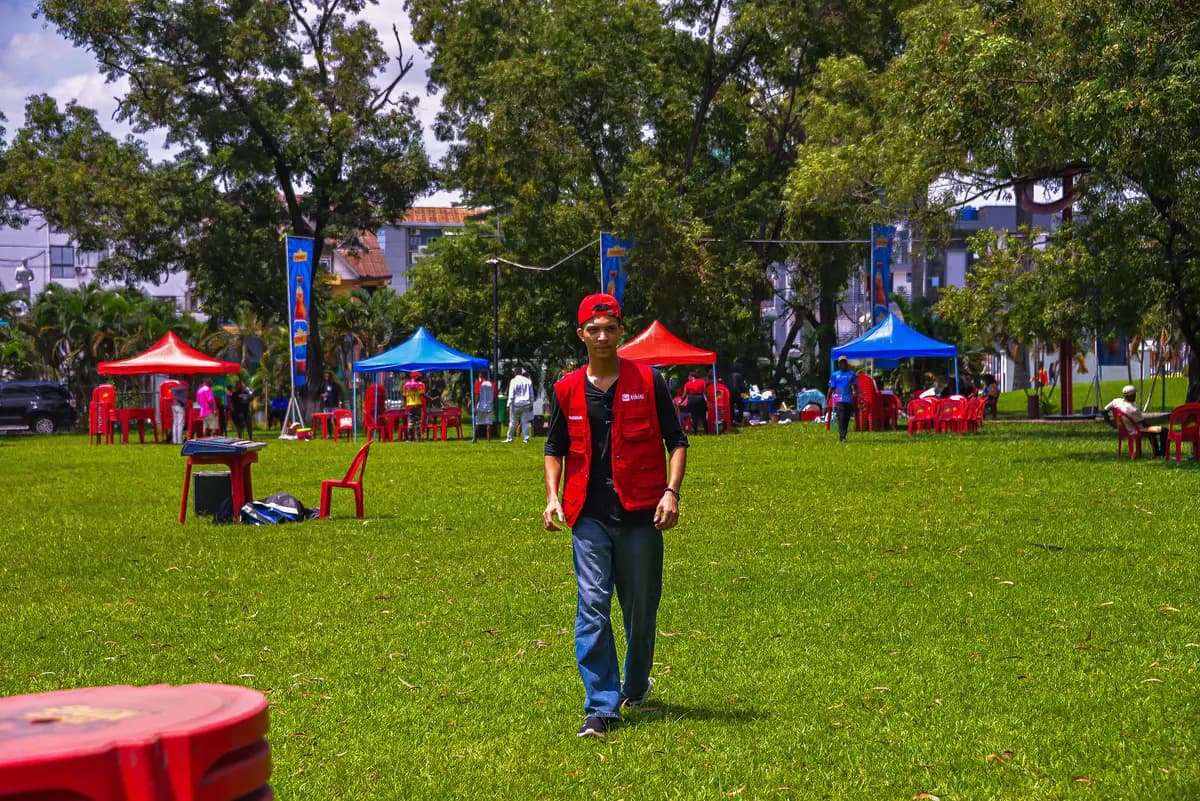
Preparing the day before the day
Your gates are ready before the crowd arrives.
Gates, accepted categories and teams are configured in Tikiti Business, before the first attendee.
| Gate | Accepted categories | Agents |
|---|---|---|
| Main gate | Standard, Festival Pass | 8 |
| Premium gate | Premium, VIP | 4 |
| Press entrance | Press, partners | 2 |
| Backstage | Artists, staff | 3 |
Demonstration plan. Every festival defines its own gates and categories.
The day of the show should not be the day your teams discover the system.
One tool at the gate
Ticket, pass, badge, wristband or accreditation.
Tikiti Ops helps an agent check different items from the same phone, and says what is blocking rather than simply saying no.
- Digital ticket
- Activated paper ticket
- Multi-day pass
- Invitation
- Badge
- Accreditation
- Linked wristband
- Staff pass
One scan should be enough to know who is at the gate and where they may go.
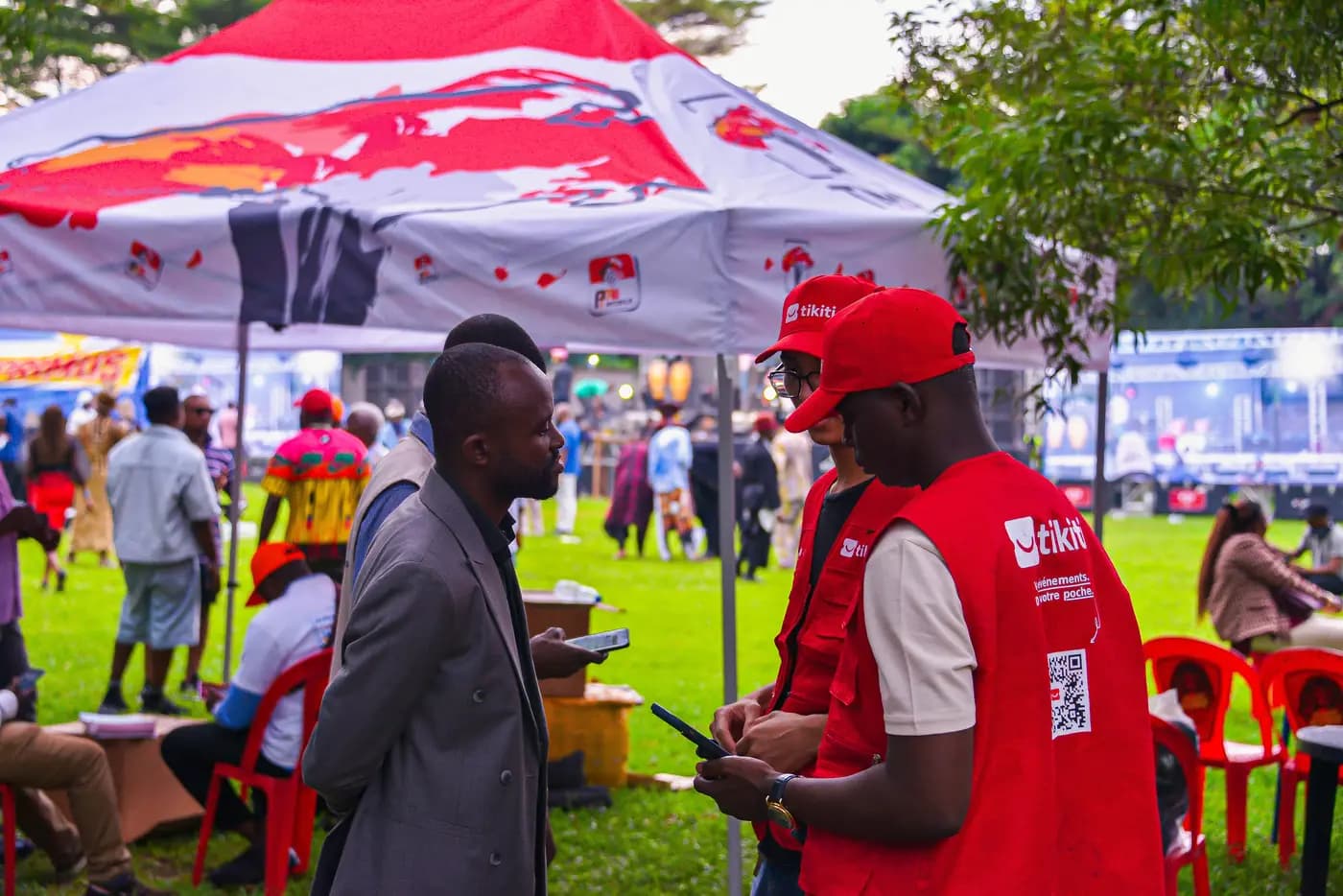
From ticket to wristband
Make access to days and zones simpler.
When a wristband is used, the team can tie the check to the item handed over, provided that wristband carries its own identifier.
- 01The ticket is shownThe attendee presents their pass, digital or paper.
- 02Checked in Tikiti OpsThe agent sees the category, the validity and the zone.
- 03Category confirmedThe matching wristband is picked.
- 04Wristband handed overThe attendee leaves with the item for the day.
- 05LinkingWhen the wristband carries a compatible identifier and linking is enabled.
- 06Zone accessDays and areas follow the rights of the pass.
The wristband replaces the queue, not the check.

During the festival
See where the crowd arrives and where your teams need help.
From Tikiti Business, the lead follows activity gate by gate. Online, a double use is shared between gates; if several devices stay fully offline, a conflict may only appear when they sync.
- Expected attendees
- Attendees present
- Entries per minute
- Traffic per gate
- Active agents
- Offline devices
- Refused entries
- Arrival peak
Do not wait until a queue is visible from the stage to react.
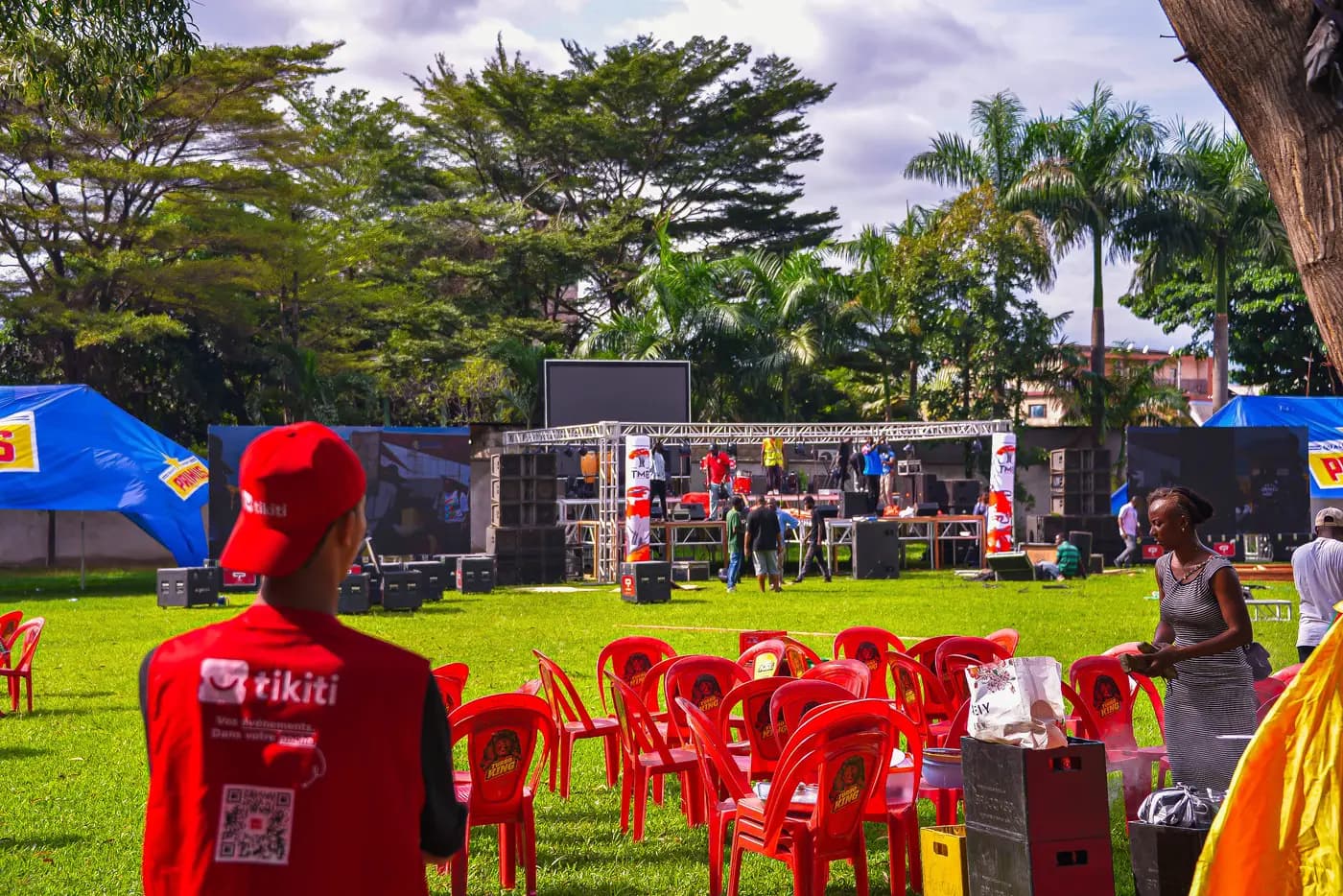
Informing while it happens
A festival moves. Your communication has to keep up.
Before, during, after: the audience receives what concerns them, when it is useful.
Before
Pass confirmation, programme, times, access, allowed items, transport.
During
Schedule change, new stage, quieter gate, safety information.
After
Thank you, gallery, survey, results, next edition announcement.
When the programme changes, your audience should not hear it as a rumour in the crowd.
Bringing the crowd in
The festival continues between two performances.
Depending on what is enabled, the crowd can vote, answer a poll, ask a question or follow a leaderboard. These experiences open with pilot organisers.
- Vote for an artist
- Answer a poll
- Ask a question
- Join a contest
- Follow a leaderboard
- Support a cause
The best audience is not only present. It takes part.
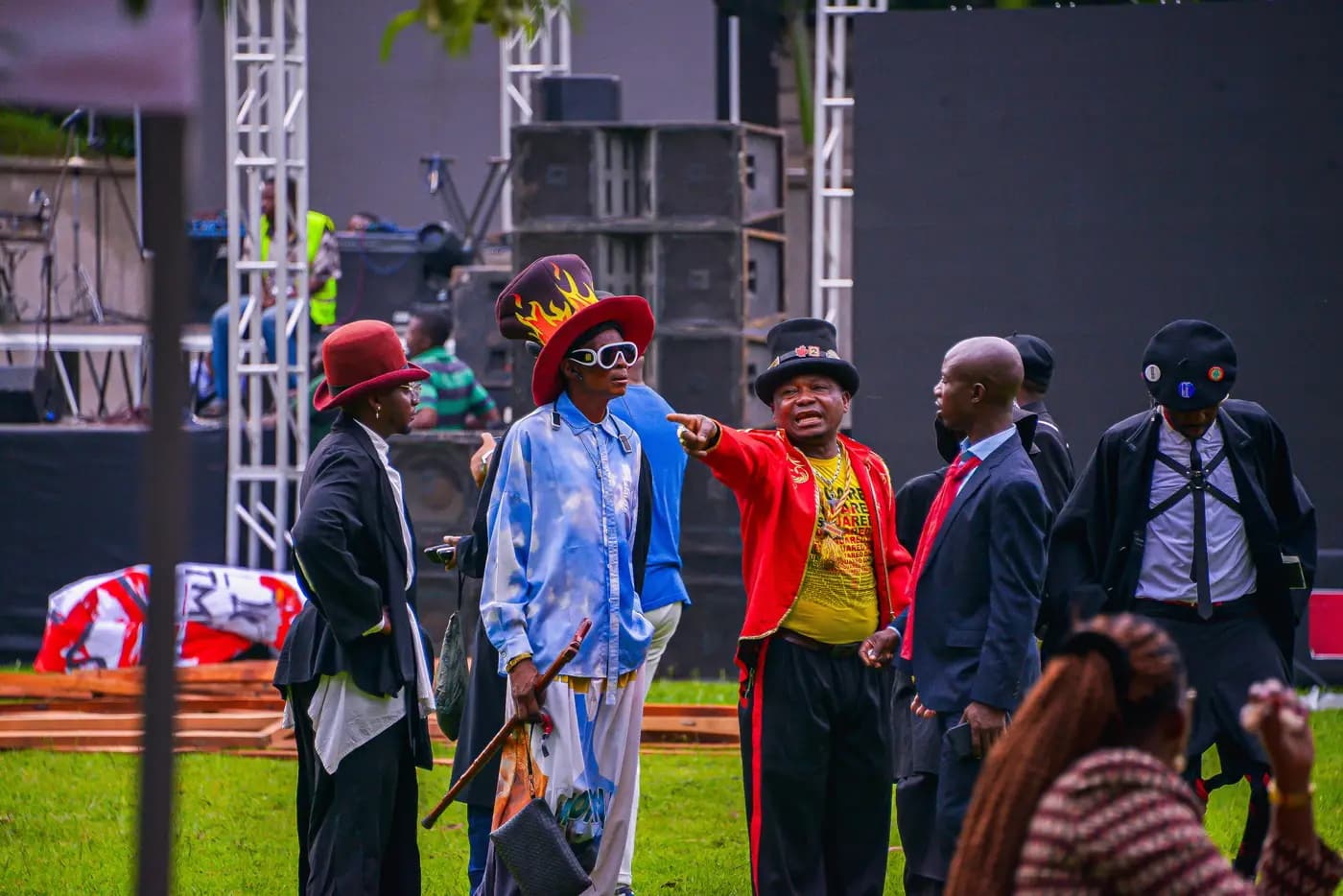
The festival seen from Tikiti Business
One view to decide from.
Readiness, audience, tickets, distribution, payments, teams, access and alerts all read in one place.
- Readiness
- Audience
- Tickets and passes
- Distribution
- Payments
- Communication
- Teams
- Access
- Alerts
Your festival moves fast. Your information has to move with it.
From the announcement to the next edition
Seven moments, one event.
Nothing starts from scratch between two steps, or between two editions.
D-60
The festival becomes real
The line-up is published and the first passes go on sale.
D-30
Distribution spreads
Sellers and partners receive their assigned stock.
D-7
Operations get ready
Gates, agents, zones and devices are configured.
Show day
The crowd comes in
Teams check access while supervision follows the flow.
During
The festival communicates
Programme, changes and activations reach the audience.
D+1
Results are in
Sales, turnout, channels and operational activity are consolidated.
Next edition
You do not start over
History and results are used to prepare what comes next.
A whole festival, not a pile of tools.
Without a central system
Every team works from its own file, sellers report separately, and gates do not share the same information.
With Tikiti
The site, the attendees, the sellers, the teams and the gates all belong to the same event.
Tikiti connects what makes a festival work: its audience, its channels, its teams, its gates and its next editions.
Frequently asked questions
Does Tikiti suit a multi-day festival?
Yes. You create passes whose validity and access rights differ, by day, by zone or for the full run of the festival.
How are physical sales handled?
Tickets are assigned to sellers or points of sale, then activated at the moment of the sale. Each ticket stays tied to the channel that distributed it.
Can Tikiti handle several gates?
Yes. Agents are assigned to different checkpoints, each with its own accepted categories and zones.
What happens without network?
Prepared devices carry on with the checks allowed locally and sync afterwards. Online, a double use is seen immediately; between offline devices it may only appear at sync time.
Can a wristband be linked to an attendee?
Yes when the wristband carries a compatible identifier and linking is enabled for the event. Without an identifier, a wristband is a zone item, not an identity.
Do we have to appear in the Tikiti app?
No. Discovery is separate from using the organiser tools: you turn it on if you want it.
Can Tikiti handle a heavy on-sale?
Tikiti is built to absorb demand peaks. The capacity and configuration needed are assessed with you for the size of your event, rather than announced as a general number.
Your next edition can start with more control.
Tell us about your festival and turn on the tools your audience, your distribution and your operations need.
Start with your current setup. Tikiti adapts to the size of your operation.